Push image to Docker Hub
Here, we will see how docker stores the docker images in some popular registries like Dockerhub and how to publish the Docker images to Docker Hub.
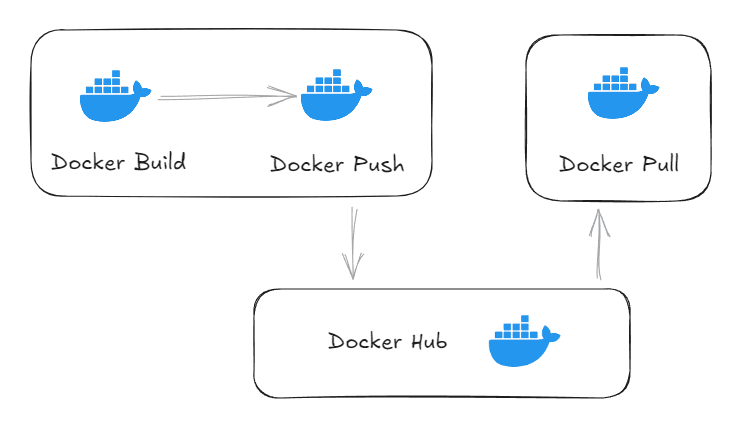
Step 1: Once you are ready with your image(refer image building section to create images) let's create a repository within the docker hub before we push our image into an online repository. So first login/sign up to docker hub and register an account.
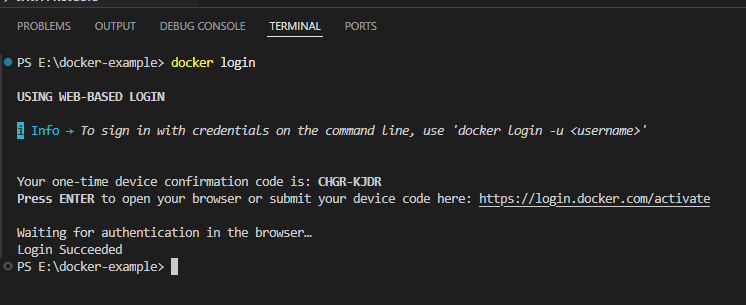
Step 2: Now open terminal and run command docker login then it will create one-time code. Open the browser paste the link and code then confirm to authorize the cli.
Step 3: Create an image, below image is created using ./mvnw clean install spring-boot:build-image -DskipTests
(skip this step and jump to step 4 if you already have created the image)
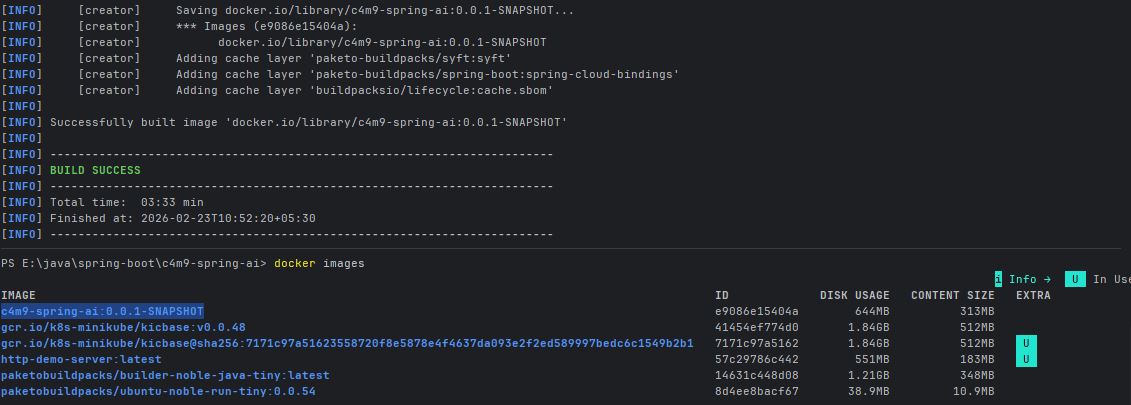
Step 4: Now tag you image using docker tag <image-name>:<version> <username>/<image-name>
As the image is created using maven plugin so :<version> is appended during build process, if it is missing then add during this process.

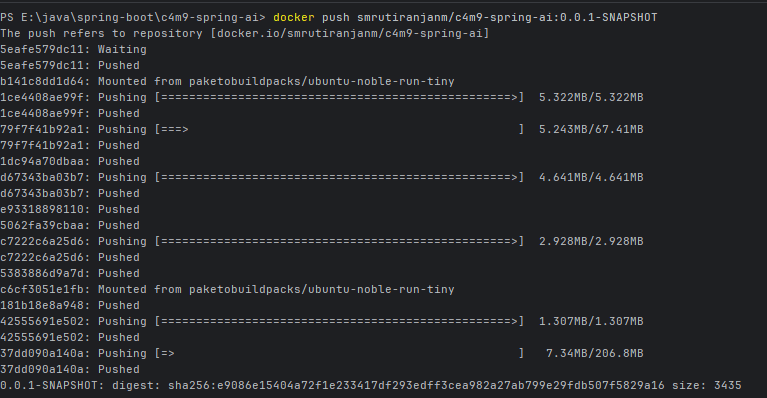
Step 5: Now use command docker push <username>/<image-name>:<version> to push the image to the repo.
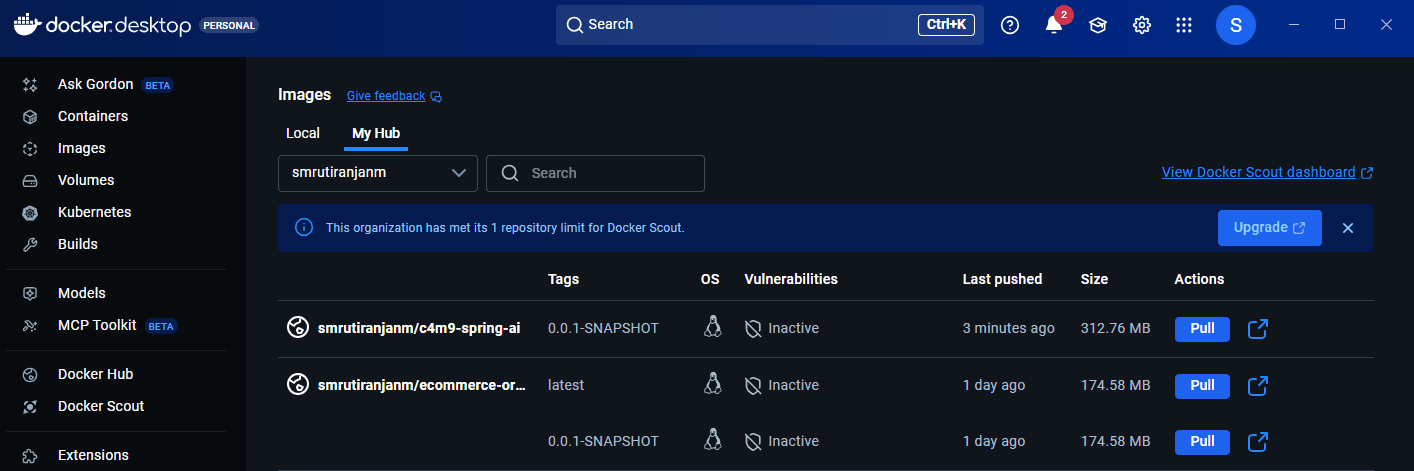
Note: If you are using jib-maven-plugin then it will build and push the image to the repository, combining building + push steps. Check: Building Image using Google Cloud Tools
Conclusion#
Pushing images to Docker Hub allows developers to store, share, and distribute containerized applications easily. By logging in, tagging the image correctly, and using the docker push command, images can be published to a remote repository and accessed from anywhere. This process simplifies collaboration and deployment across different environments.