List of some common errors
1. Build image failed, 401 Unauthorized
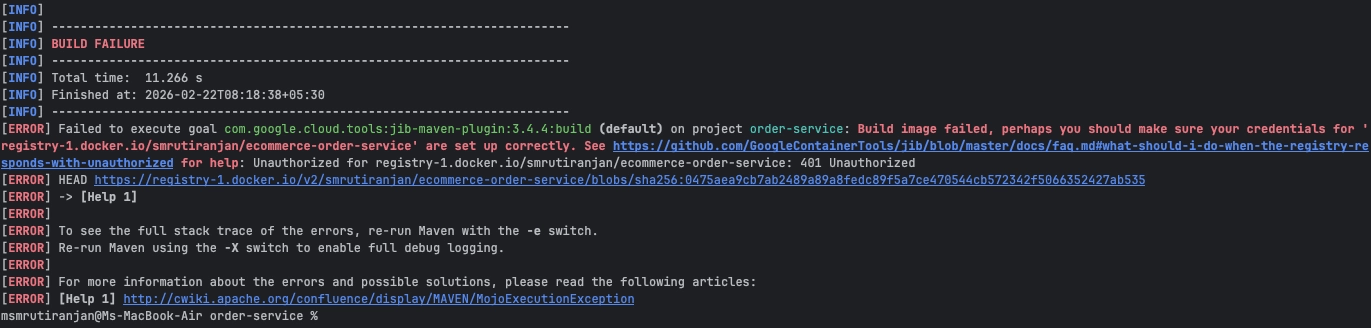
Solution: If the CLI is not authorized before building and pushing the image, it fails with a 401 Unauthorized error. Use the docker login command to authenticate the CLI.
2. Connection to the Docker daemon at ‘/User/jhondoe/.docker/run/docker.sock’ failed with error “No such file or directory”
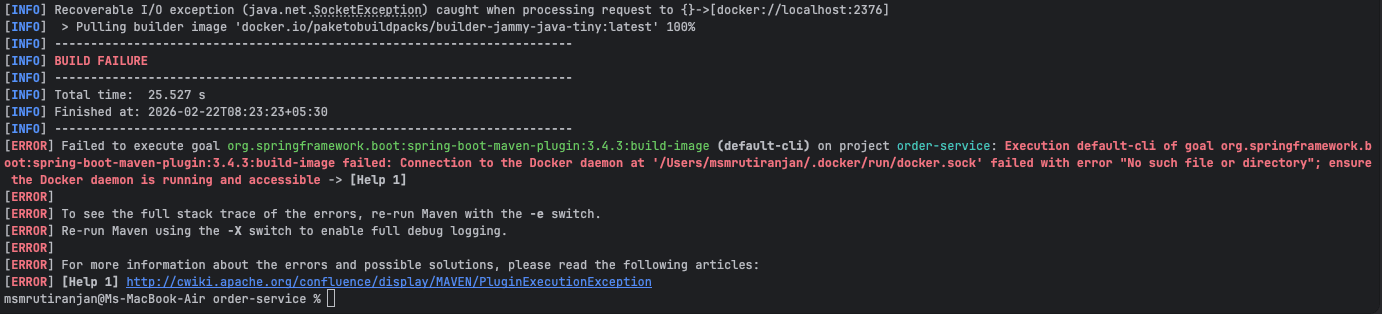
Solution: Make sure docker desktop is running, if not running or paused then first start the docker desktop then restart the image build process.
3. Failed to clean project: Failed to delete …\target\classes\…
On Windows systems, building an image using Google's jib-maven-plugin sometimes fails to clean the target.
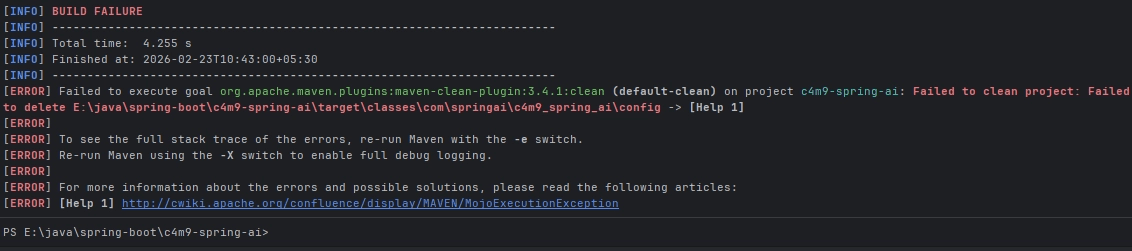
Solution: To resolve this go for deleting the target folder/directory manually.
4. failed: ‘value’ [value] must be a parsable name in the form ’[domainHost:port/][path/]name’
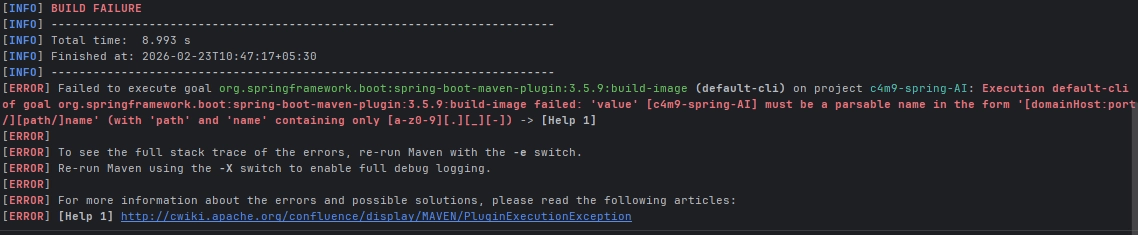
Solution: The image name must be in lowercase when building the image. If you're using a Spring Boot application, ensure the artifactId and project name are also in lowercase.
5. failed to execute goal …:test
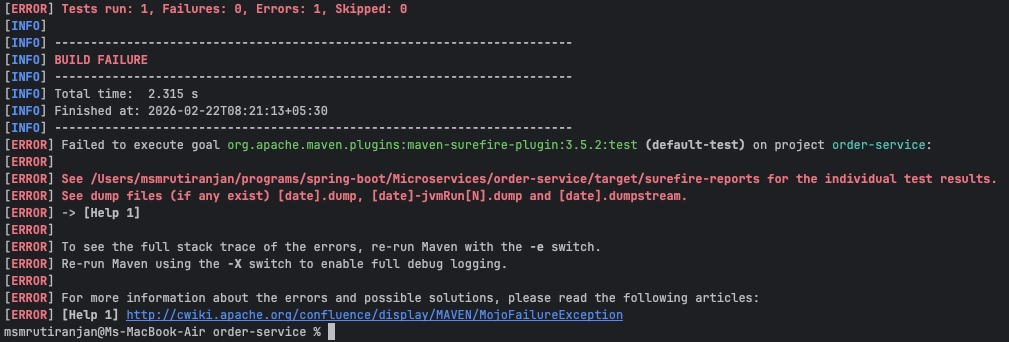
Solution: In cases of springboot application while building images it automatically run the test cases. If it is the reason of failing then use -DskipTests flag while building the image.
Conclusion#
Most Docker image build failures stem from authentication issues, daemon availability, naming conventions, or build lifecycle configurations. Understanding these common errors and their root causes enables faster troubleshooting and ensures a smoother containerization workflow, especially in Spring Boot and Maven-based projects.