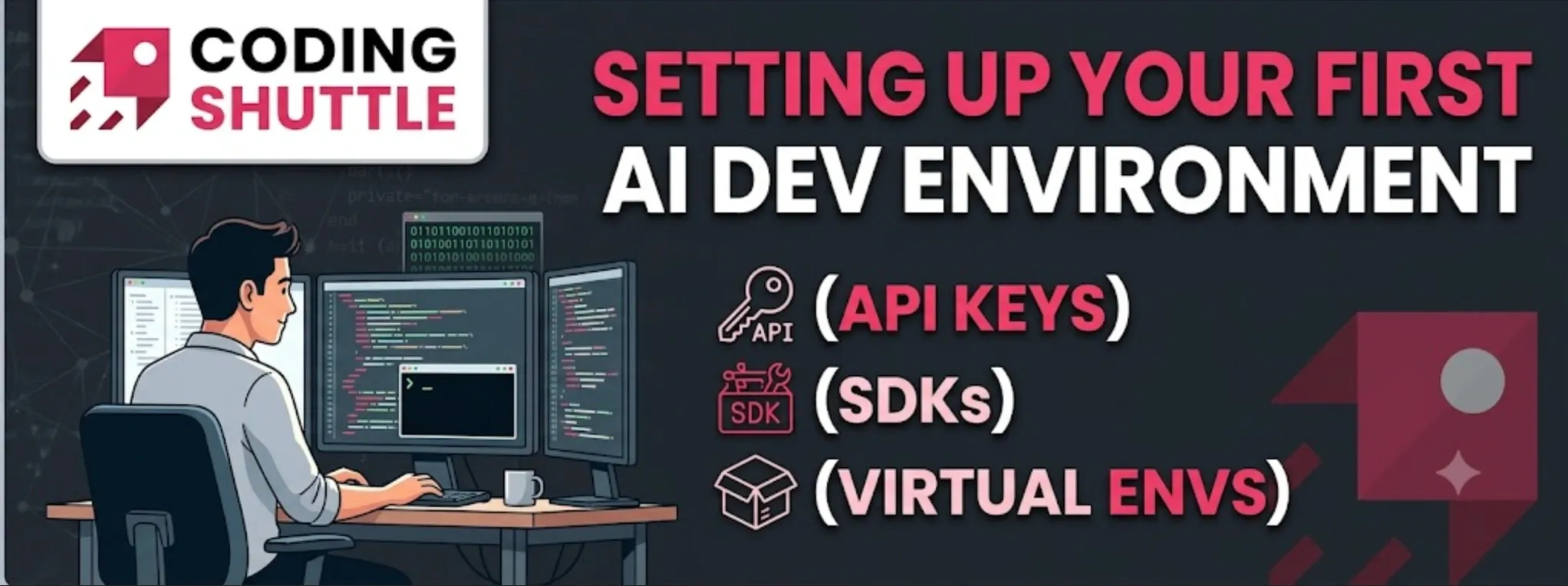
Setting Up Your First AI Dev Environment (API Keys, SDKs, Virtual Envs)
Environment setup follows a fifteen-minute sequence: uv for packages and Python 3.12, a virtual environment, an editor, and a .env file for secrets. Each step removes a failure source before writing application code. Good for developers returning to AI work or setting up a fresh machine.

Shreyash Gurav
August 29, 2026
5 min read
Setting Up Your First AI Dev Environment (API Keys, SDKs, Virtual Envs)
A large share of "the AI is broken" reports from engineers in their first week turn out to be environment problems: calls made with the wrong Python, keys that never loaded, packages installed into the global interpreter. None of this is difficult. It just has an order, and doing it out of order costs hours.
The whole setup takes about fifteen minutes and follows one fixed sequence:
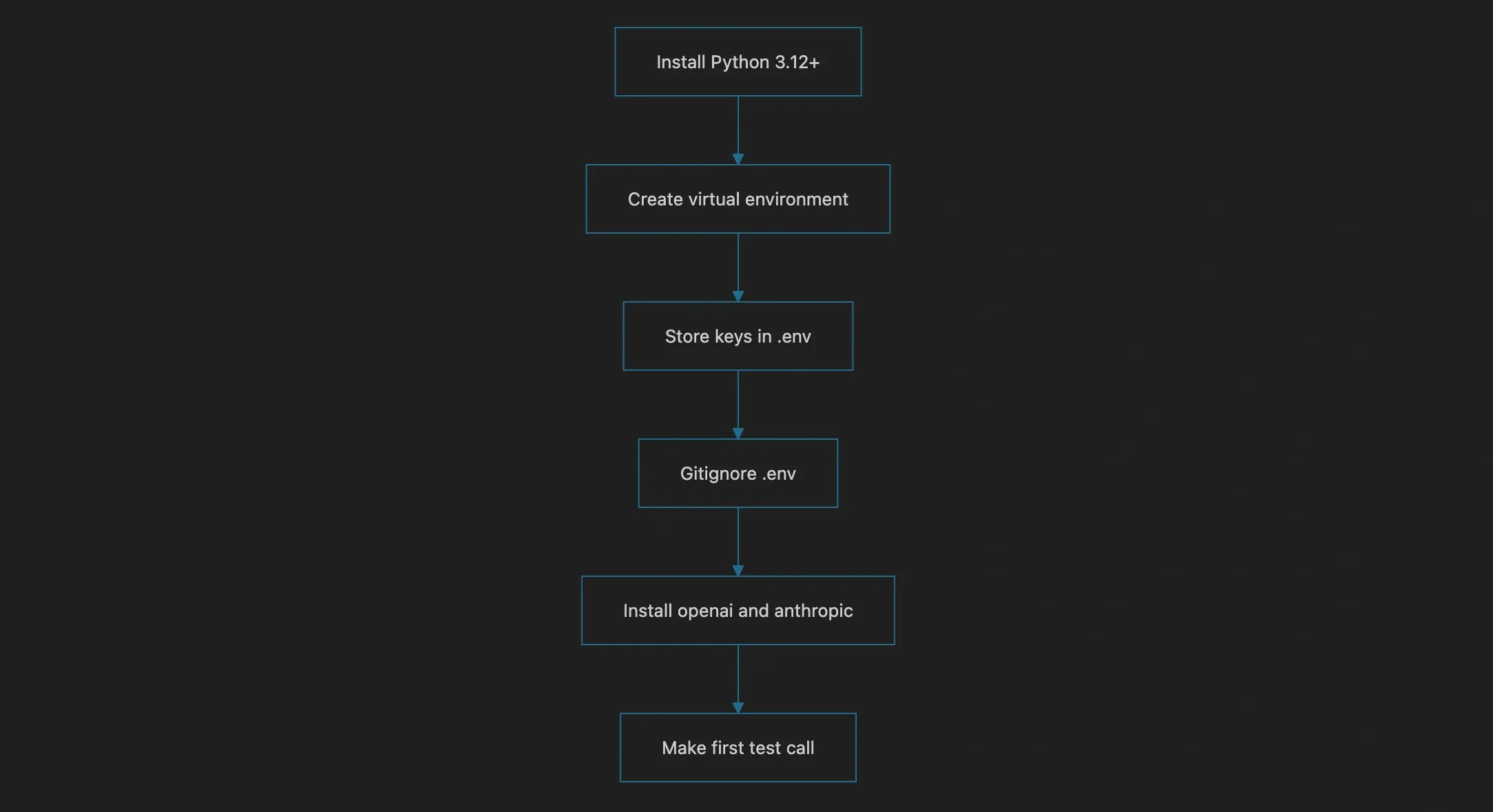
Commands below assume macOS or Linux. On Windows, use PowerShell: environment variables are set with $env:NAME = "value" for the session, and venv activation is .venv\Scripts\Activate.ps1.
One Modern Python, Nothing Fancy#
You want Python 3.11 or newer; 3.12 is the comfortable default in 2026. Check what you have:
If it is old or missing, install a fresh one. The cleanest current option is uv, a fast Python package manager that can also install interpreters:
Homebrew (brew install python@3.12) or the official python.org installer work equally well. One version is enough. Managing multiple global Pythons before you need to is how confusion starts.
A Sandbox Per Project#
Global pip install eventually produces two projects demanding conflicting versions of the same library. Virtual environments fix this by giving each project its own isolated set of packages. This is not optional ceremony; it is the difference between reproducible setups and ghost bugs.
Standard-library route:
Your prompt now shows (.venv), meaning every pip install lands inside the project. Freeze your dependencies so the setup is reproducible later:
The uv route does the same job faster and pairs nicely with pyproject.toml if you prefer modern tooling:
Leave the environment active in every terminal you run the project from, and point your editor at it too. In VS Code: Command Palette, then "Python: Select Interpreter," then choose the .venv copy. Most mysterious ModuleNotFoundError episodes are the editor using a different interpreter than the terminal.
Keep Keys Out of Your Source#
Get API keys from platform.openai.com and console.anthropic.com. Both providers bill per usage; add a small initial credit limit while you experiment.
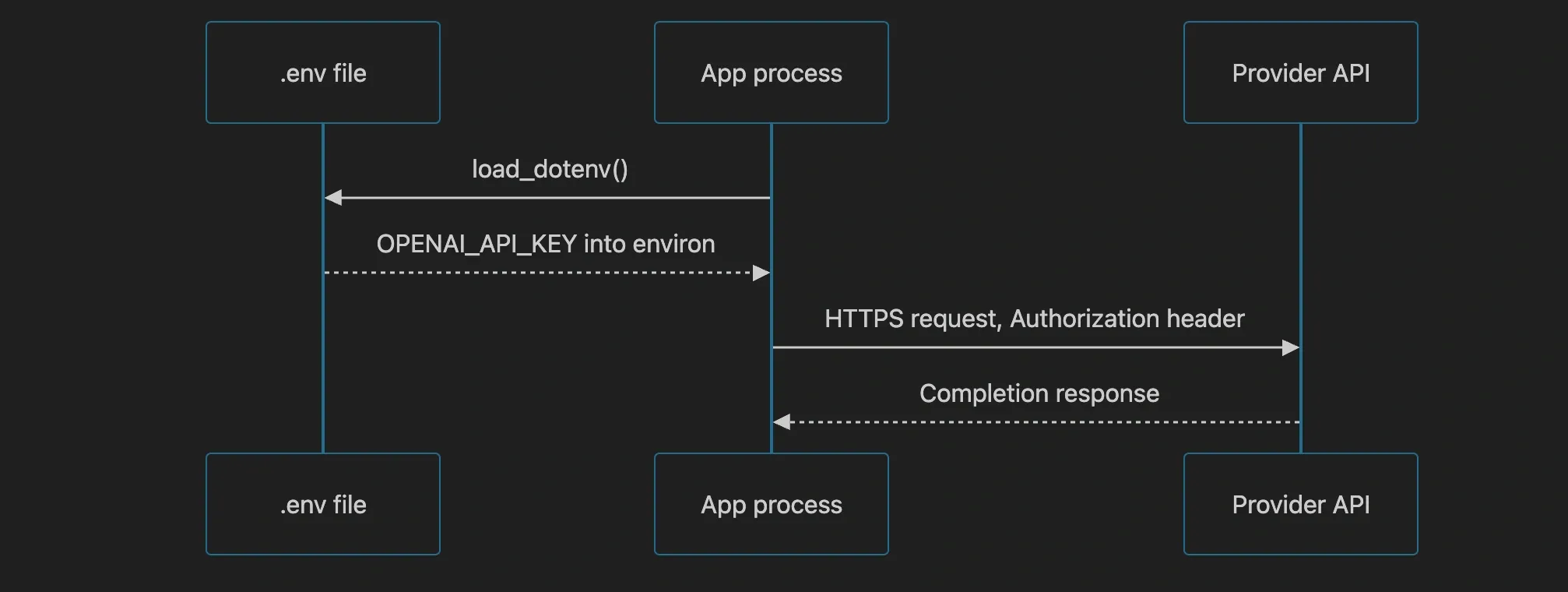
The rule that matters more than any command: keys never live in source code, never get hardcoded, never enter Git history. They belong in environment variables, loaded from a file the codebase ignores.
Create a .env file in the project root:
Then make ignoring it your very next commit, before any real key exists on disk:
Load the file at startup with python-dotenv and fail fast if something is missing, because a missing key should stop the program at boot rather than surface as a confusing 401 three requests deep:
Commit a .env.example containing key names with blank values so teammates know what to fill in. If a real key ever leaks into a repo, revoke it immediately; both providers scan public repositories and auto-revoke exposed keys anyway, usually within minutes.
SDKs and the First Real Calls#
With the environment active, install both major SDKs:
Minimal working call for each. OpenAI:
Anthropic:
Both read their key from the environment automatically, which is why the .env step had to come first. Bonus for later: both clients accept a base_url override, which is how you point the same code at local models served by tools like Ollama.
A Project Layout That Ages Well#
Resist single-file entropy. Five minutes of structure now saves refactoring later:
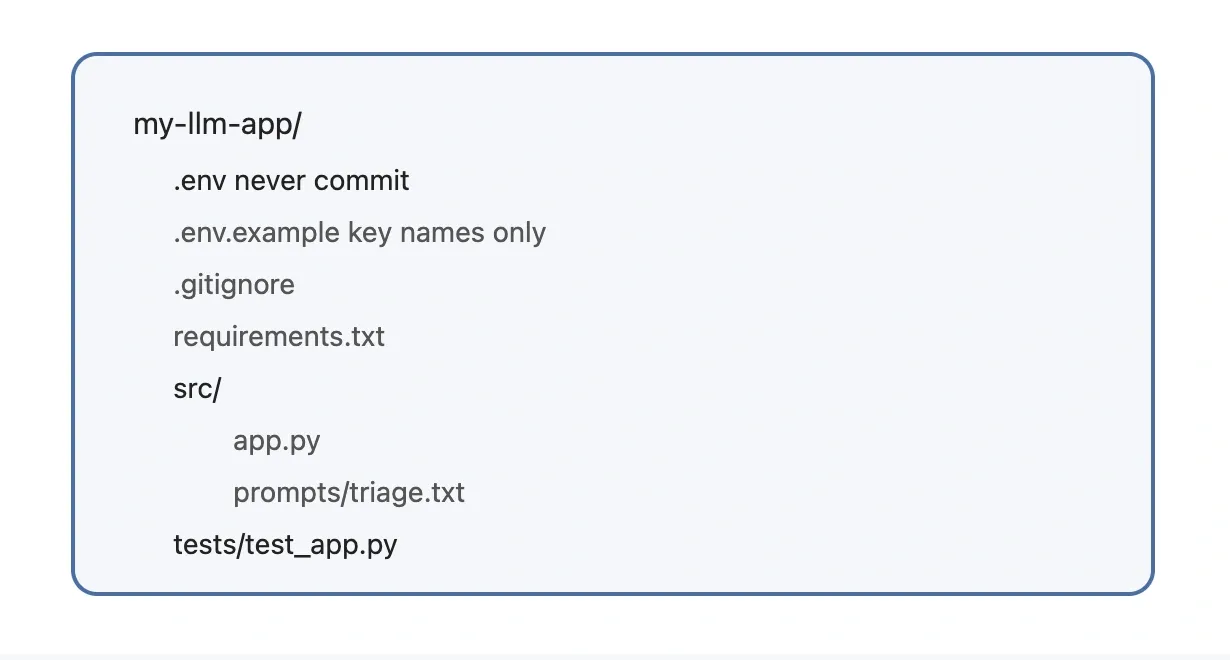
Two choices in there pay off quickly. Prompts live in files rather than f-string soup, so you can version and review them like code. And keeping application logic importable under src/ means tests can actually exercise it.
Debugging the Usual Failures#
When something breaks, check these in order of likelihood.
ModuleNotFoundError right after installing: wrong interpreter. Run python -c "import sys; print(sys.executable)" and confirm it points inside .venv. Nine times out of ten the venv was never activated in that shell.
Authentication errors: the variable did not load in the running shell. Confirm presence without printing the secret itself: [ -n "$OPENAI_API_KEY" ] && echo set. Then check for stray whitespace or quotes in .env.
RateLimitError (429): you hit tier limits, not a bug. Add exponential backoff retries and keep free-tier experiments small.
Packages installing somewhere unexpected: always prefer python -m pip install over bare pip, since it guarantees the same interpreter runs pip that will run your code.
Build Something Small Tonight#
Capstone: a CLI that answers questions about any text file. Read the file, include its contents in one model call with a strict answer prompt, print the response. It exercises every piece you just set up: the venv, the loaded keys, an SDK call, input handling. Upgrade it afterward to hold a multi-turn conversation about the document.
Once this sequence becomes muscle memory, the environment stops existing as a category of problem, and that is exactly where you want it. Spend the fifteen minutes now; you will not think about this again for years.
Want to Master Spring Boot and Land Your Dream Job?
Struggling with coding interviews? Learn Data Structures & Algorithms (DSA) with our expert-led course. Build strong problem-solving skills, write optimized code, and crack top tech interviews with ease
Learn more