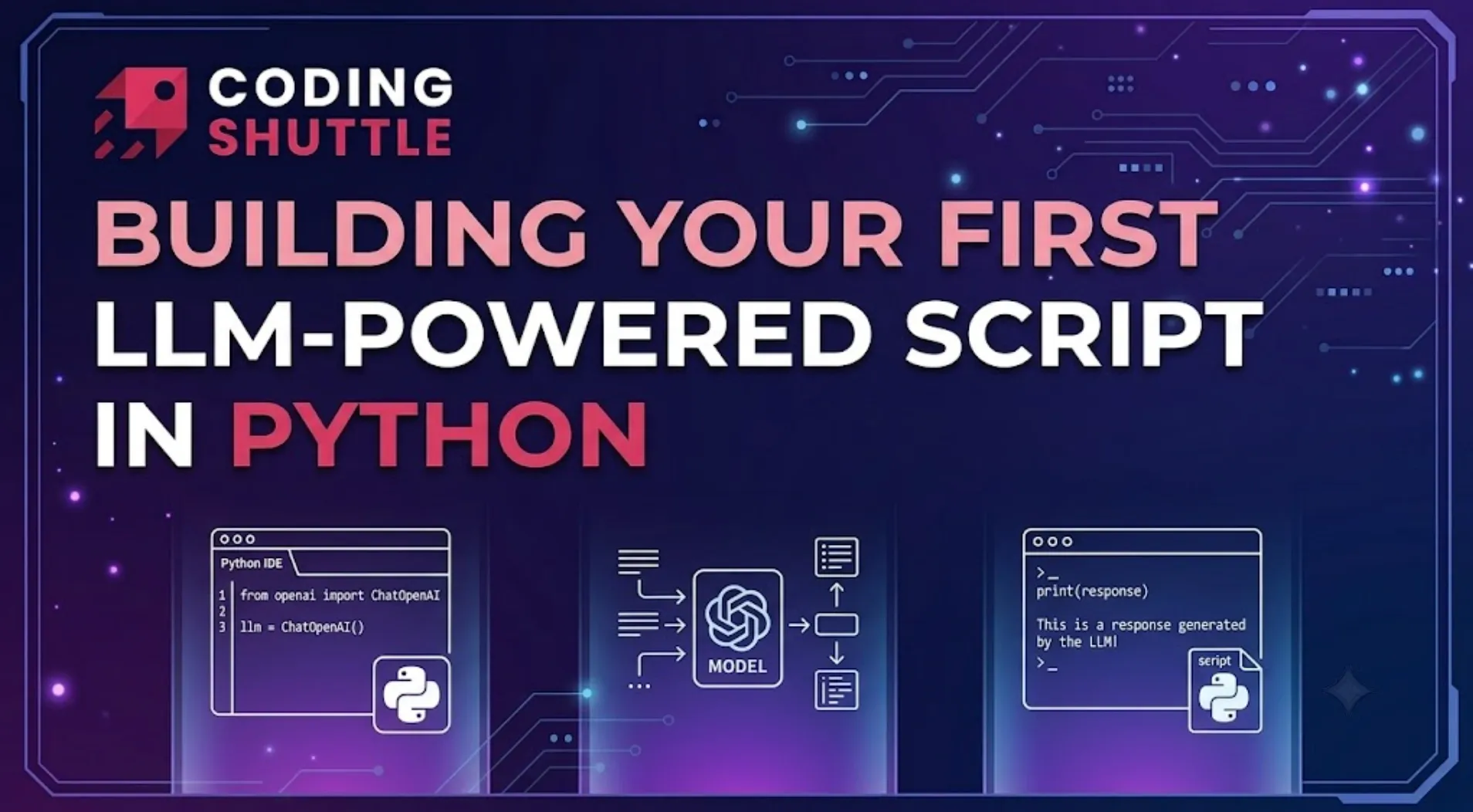
Building Your First LLM-Powered Script in Python
A working LLM script via the OpenAI SDK shows the minimum machinery, a client, a model call, and how system messages set behavior while user messages carry the task. The article builds a small summarize.py end to end. A grounding exercise before reaching for frameworks.

Shreyash Gurav
August 29, 2026
5 min read
Building Your First LLM-Powered Script in Python
Skip the frameworks today. The goal is one script that reads any text file and answers questions about it, built with nothing but the OpenAI SDK and standard library. Along the way you will touch every fundamental of this craft: loading keys, shaping prompts, parsing hostile responses, retrying failures, and chaining calls. Everything fancier in this field is that loop wearing a costume.
Prerequisites, handled inline so nothing is assumed: Python 3.11 or newer installed, a virtual environment active, pip install openai python-dotenv run inside it, and an API key from platform.openai.com placed in a .env file as OPENAI_API_KEY=sk-.... The dotenv file keeps secrets out of source code; load_dotenv() pulls it into environment variables at startup.
Start With the Smallest Working Version#
Create summarize.py:
Run it with python summarize.py notes.txt and you have a working LLM application. Two vocabulary items deserve explanation because they appear in every provider API. The system message carries standing instructions that shape behavior across the whole conversation. The user message carries the payload, here your document. Providers train models to treat those roles differently, which is why stuffing instructions into the user turn produces worse results than using the slot designed for them.

Feed It Something Worth Reading#
The script works until someone hands it an empty file or a 400-page export. Add guards before that someone exists:
That length ceiling is a crude stand-in for token budgets. Every model has a context window, a hard limit on input plus output counted in tokens rather than characters, and exceeding it gets your request rejected. For now, failing loudly with a clear message beats shipping a script that dies with a cryptic API error on large files.
Parse the Response Like It's Hostile#
The one-liner resp.choices[0].message.content hides three assumptions: that choices is non-empty, that message exists, and that content is not None. All three assumptions fail occasionally in production. Defensive access costs four lines:
The or "" matters more than it looks: content can be None when the model routes its response elsewhere, and code that assumes strings will crash two functions away from where anyone is debugging.
When you need structured output, ask for JSON explicitly, then treat whatever comes back as untrusted:
Models sometimes wrap JSON in markdown fences despite instructions. Strip before parse, fail with context on parse errors, and never eval anything.
Chain Two Calls Before Reaching for a Framework#
Here is where small scripts become real applications. One summary is useful. A summary plus an audit of that summary against the source is a pipeline, and pipelines are just functions returning strings fed into other functions:
Notice what happened: the first output became part of the second input. That composition pattern, not any framework, is what chains and graphs formalize later. If you can write it with plain functions, write it with plain functions.

When It Breaks, Make It Say Why#
Networks hiccup and providers throttle. Retrying transient failures with growing waits converts flaky scripts into dependable ones:
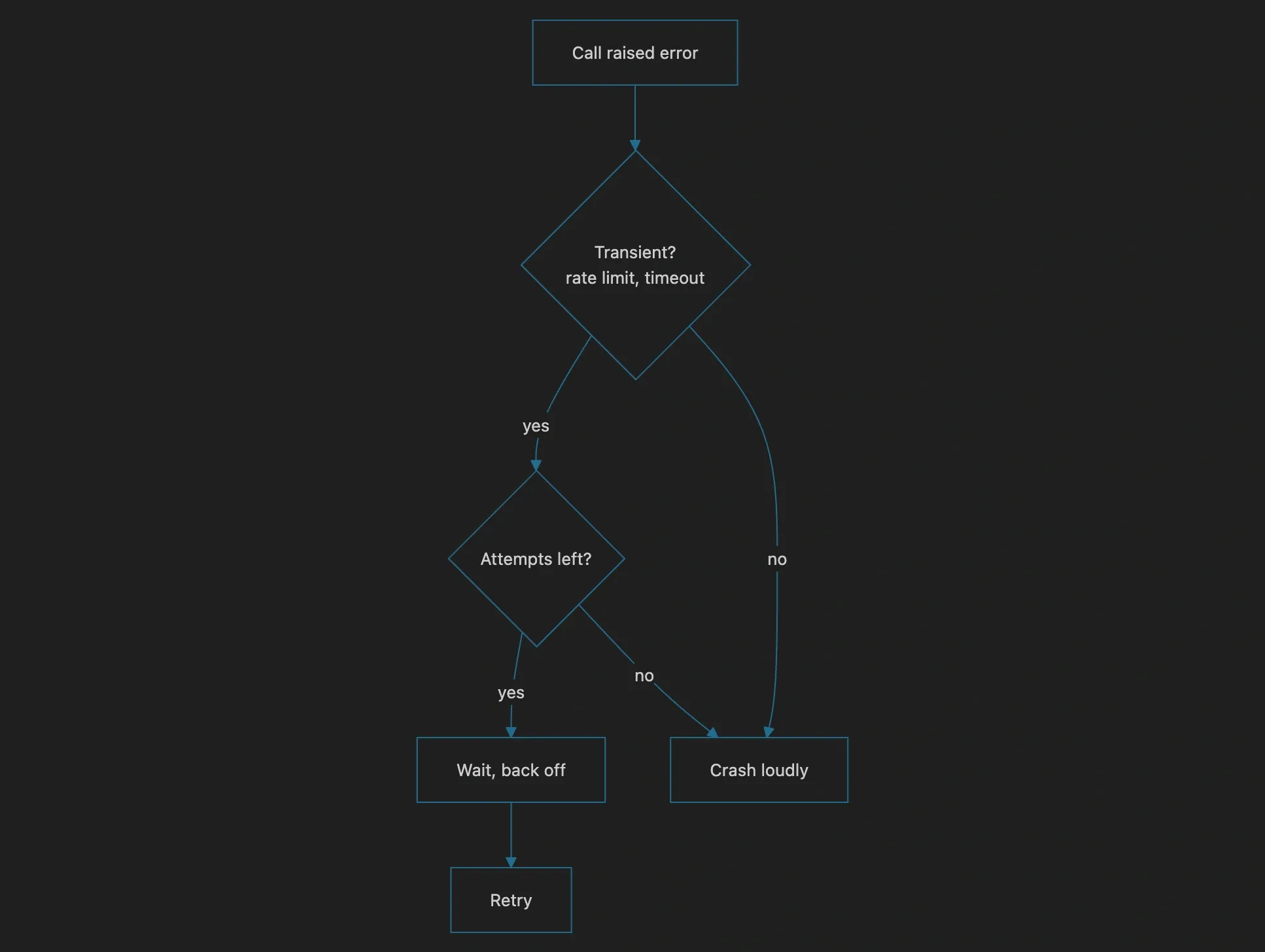
Wrap each call_llm body in it. Rate limits get exponential backoff so a throttled batch does not hammer harder. Authentication errors and malformed requests should never be retried; no amount of waiting fixes a wrong key. The decision logic:
Ship It as a CLI#
argparse turns the script into something teammates can use without reading it:
If --question is present, build the prompt around it; otherwise summarize. Exit codes via sys.exit, a if __name__ == "__main__": guard, done. You now own a small tool that would survive contact with a shared drive.
You Just Learned the Whole Job. Keys outside source, prompts with roles, defensive parsing, chained calls, retries with backoff, a CLI surface. Agents are these loops with tool access. Retrieval systems are them with database lookups feeding the prompt. Build three more scripts like this one and frameworks will read as conveniences rather than mysteries.
Want to Master Spring Boot and Land Your Dream Job?
Struggling with coding interviews? Learn Data Structures & Algorithms (DSA) with our expert-led course. Build strong problem-solving skills, write optimized code, and crack top tech interviews with ease
Learn more